

While USB-C has taken over the spotlight, a micro USB charger remains a faithful friend in your tech drawer. Many of our gadgets, from action cameras and older drones to power banks and wireless headphones, still rely on this proven standard. It is far from forgotten and plays a vital role for equipment we use every day.
Why your micro USB charger is still important
In a world constantly chasing the next new standard, it's easy to overlook the reliable micro USB charger. But the fact is, it keeps millions of devices we already own and love alive. Understanding how it works isn't a nostalgia trip – it's a practical necessity to get the most out of your existing equipment.
Think about how many of your gadgets are still charged with this specific connector. Keeping track of micro USB is the key to charging them both safely and efficiently.
A standard with deep roots
Micro-USB was more than just a connector; it was a revolution that standardized charging for an entire generation of technology. In Sweden, it quickly became the dominant connection and a driver of mobile development, especially for Android devices.
In fact, between 2010 and 2018, a full 95% of all Android phones sold in Sweden used this exact connector. As late as 2020, micro USB chargers accounted for over 60% of all charger sales at major retailers, truly showing how deeply rooted it is in Swedish homes.
Why this guide matters to you
By understanding the technology behind your charger, you can avoid common mistakes and extend the life of your gadgets. This guide will help you interpret specifications, troubleshoot problems, and make the right choice.
Correct charging is extra important for accessories you often take on adventures, like a reliable power bank. If you want to know more, check out our guide on how to choose the best power bank.
Knowing how to choose and maintain your micro USB charger isn't just a technical skill. It's a smart way to save money and reduce electronic waste by maximizing the lifespan of the equipment you already have.
We will go through everything from technical details like volts and amperes to practical safety tips, so you can feel completely secure with your charging.
Understanding the technology behind your charger
To really grasp how your micro USB charger works, think of it like filling a water bottle. See the charge as a stream of energy, just like water flowing from a tap.
In this analogy, volts (V) represent the water pressure – the force pushing the energy forward. Meanwhile, amperes (A), or milliamperes (mA), represent the width of the hose. It determines how much water (energy) can flow at once.
Watts (W) then become the total result: the actual amount of water that lands in the bottle over time. This is the total power your charger delivers. Simply put: Volts × Amperes = Watts.
The importance of the right pressure and flow
Matching these values with what your gadget needs is crucial. If you plug in a charger with "water pressure" that is far too high (excessive voltage/volts), you risk frying the device's sensitive battery and internal circuits. It's a bit like trying to fill a thin glass bottle with a pressure washer – it rarely ends well.
If the "flow" (amperes), on the other hand, is too low, charging becomes frustratingly slow. The bottle will eventually get full, but it will take forever. Therefore, it's important that the AC adapter can deliver at least the current (A) your device is built to handle.
Understanding the relationship between volts, amperes, and watts is the first step toward safer and more efficient charging. It gives you the control to choose the right equipment and avoid those common mistakes that can shorten the lifespan of your gadgets.
This fundamental knowledge became extra important during the 2010s when the micro USB charger completely dominated the Swedish market. After a rather messy period of unique chargers for every mobile brand, the industry landed on a standard: 5V and a maximum of 500 mA according to the prevailing USB 2.0 specification. If you want to geek out, you can read more about the EU Parliament's path toward standardized mobile charging on the Sweclockers forum.
The difference between USB versions
Besides current and voltage, the USB version also plays a role in performance, both regarding charging and data transfer. Even if the micro USB connector itself looks the same, the technology under the hood can differ.
This table gives a quick overview of the versions you most often encounter when it comes to micro USB.
Comparison of common USB versions for micro USB
This table shows the most important differences between the USB versions most commonly associated with micro USB connectors, focusing on charging and data transfer.
| USB Version | Maximum Data Speed | Maximum Amperage (Standard) | Typical Use |
|---|---|---|---|
| USB 2.0 | 480 Mbps | 500 mA (0.5 A) | Older smartphones, action cameras, power banks, drone accessories, and peripherals |
| USB 3.0 | 5 Gbps | 900 mA (0.9 A) | Certain external hard drives, rarer on mobile devices (recognizable by a wider connector) |
In short, knowing which version your gadget uses helps you understand its limits and potential. For most devices with micro USB, USB 2.0 is the standard, which is perfectly sufficient for charging and transferring files at a steady pace.
How to choose the right cable and AC adapter
Choosing the right charging gear is about so much more than just finding a connector that fits. The quality of both your micro USB cable and AC adapter determines everything from charging speed and durability to, above all, safety. A poor cable can lead to frustratingly slow charging, while a substandard adapter can, in the worst case, become a fire hazard.
Not all cables are created equal. A robust cable with nylon braiding resists wear and tear much better than a thin plastic cable that breaks quickly. The thickness of the copper wires inside, often specified as AWG (American Wire Gauge), also plays a large role. Here, you have to think in reverse: a lower AWG number means thicker wires that can handle more current, which is the key to faster charging.
Decoding the information on your AC adapter
Understanding the small text on your AC adapter is actually simpler than it looks. Look for the word "Output", followed by two crucial values: volts (V) and amperes (A) or milliamperes (mA).
The voltage, measured in volts, must match what your device requires, which for micro USB is almost always 5V. The current, measured in amperes, determines how fast the device can charge.
An adapter with higher amperage than your gadget needs is not a problem at all; the device will only take the current it is built to handle. However, an adapter with too low amperage will lead to extremely slow charging. If your action camera is designed for 2A but you plug in an old mobile charger at 0.5A, well, the charging will take four times as long.
This decision tree summarizes it quite well:
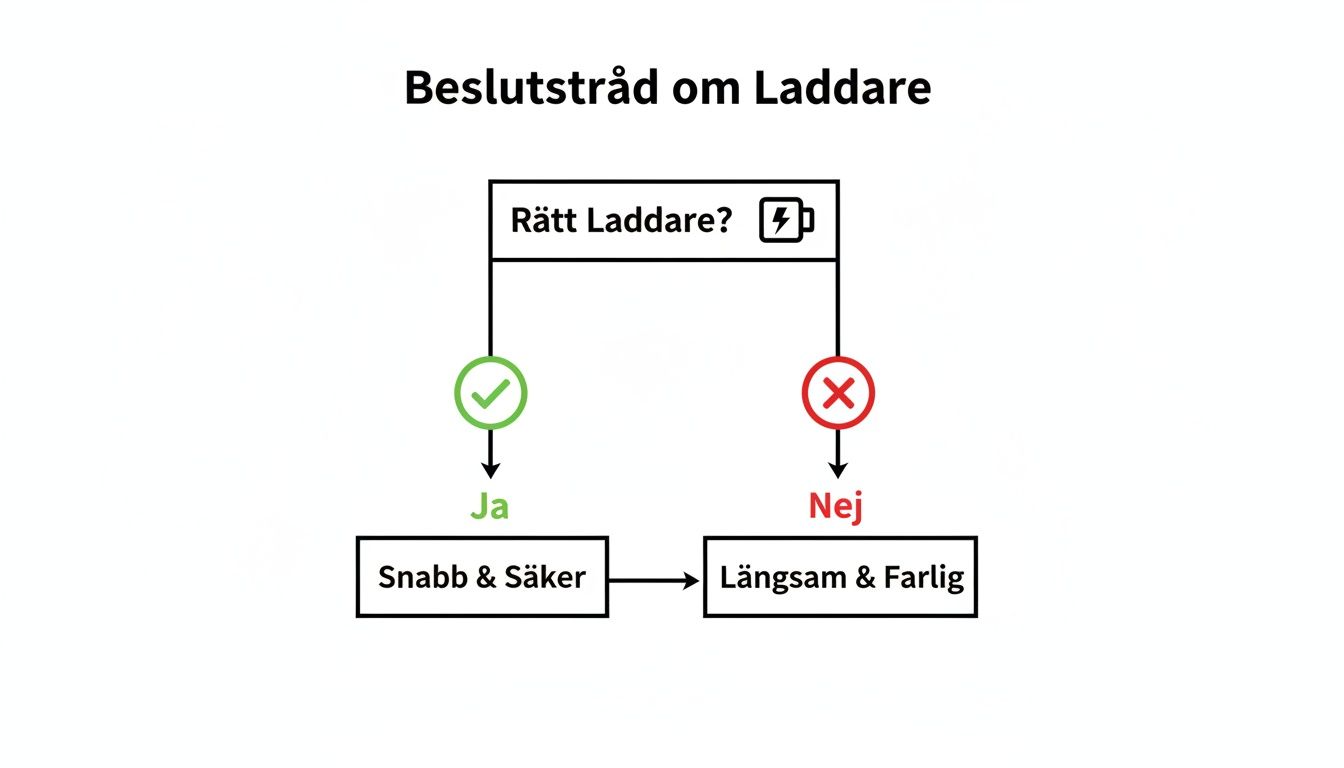
As the image shows, the choice is fairly obvious. A correctly matched charger provides safe and efficient charging, while an incorrect one can lead to both poor performance and unnecessary risks.
Safety first – look for certifications
When you buy a new micro USB charger or cable, the most important thing is to look for the CE marking. This is your guarantee that the product meets the EU's basic health, environmental, and safety requirements.
An uncertified charger from an unknown manufacturer may lack vital protection against overheating, overvoltage, and short circuits. Saving a few dollars on a cheap, unmarked product is a risk that is never worth taking. In the worst case, it can damage your equipment or cause a fire.
Investing in a certified charger from a reliable brand is the best insurance you can give your equipment. It guarantees not only safety but also that the product actually delivers the performance stated on the packaging.
If you, like many others, have a mix of newer and older gadgets, it can be a bit cumbersome with different standards. A smart trick is to use a handy micro-USB to USB-C adapter. Then you can use the same cable for several of your devices and avoid a tangled mess of cords.
Caring for your charger – simple tricks for a longer lifespan
Your micro USB charger works hard in the background to keep your gadgets running. With some simple care, you can actually significantly extend its lifespan while ensuring that charging is always safe. it's about creating good habits that protect both your equipment and your home.
One of the most important tips is about where you charge. Avoid the bed, sofa, or other soft and flammable surfaces. Chargers and devices get warm, and if the heat cannot be properly dissipated, the risk of overheating increases, which in the worst case can lead to fire. Always place the charger on a hard, flat surface with plenty of air around it.
Another common reason chargers give up is wear on the cable, especially where it connects to the plugs. Try to avoid bending the cable at a sharp angle right at the connector. When you unplug the cable, always take a firm grip on the plug itself – never pull on the cord. This reduces the strain on the small solder joints inside and prevents the wires from breaking.
Inspect and clean periodically
Spending a few minutes quickly checking over your equipment can save you a lot of headaches. If you discover small problems in time, you can prevent them from growing into larger and more dangerous faults.
Make it a habit to check through these points:
- Inspect the cable: Look for cracks in the insulation, visible copper wires, or other signs of wear. A damaged cable is a serious safety risk and should be replaced immediately.
- Check the connectors: Ensure the pins in both the micro USB connector and the AC adapter are straight and clean. Bent pins can ruin the port on your device.
- Clean the ports: Dust and pocket lint love to collect in your device's charging port and in the USB connector. This can lead to poor contact and frustratingly slow charging.
One of the most common causes of charging problems is actually dirt in the port. Carefully cleaning the contact surfaces is a simple trick to get a stable and efficient charge every time.
To clean the ports safely, you can use tools made for this exact purpose. A double-sided tech cleaning pen is an excellent tool for gently but thoroughly removing dirt from hard-to-reach places.
One final tip: always unplug the charger from the wall socket when not in use. This not only protects against potential power surges in the grid but also reduces unnecessary energy consumption and wear on the charger's internal parts.
Troubleshooting: How to solve common problems with your micro USB charger
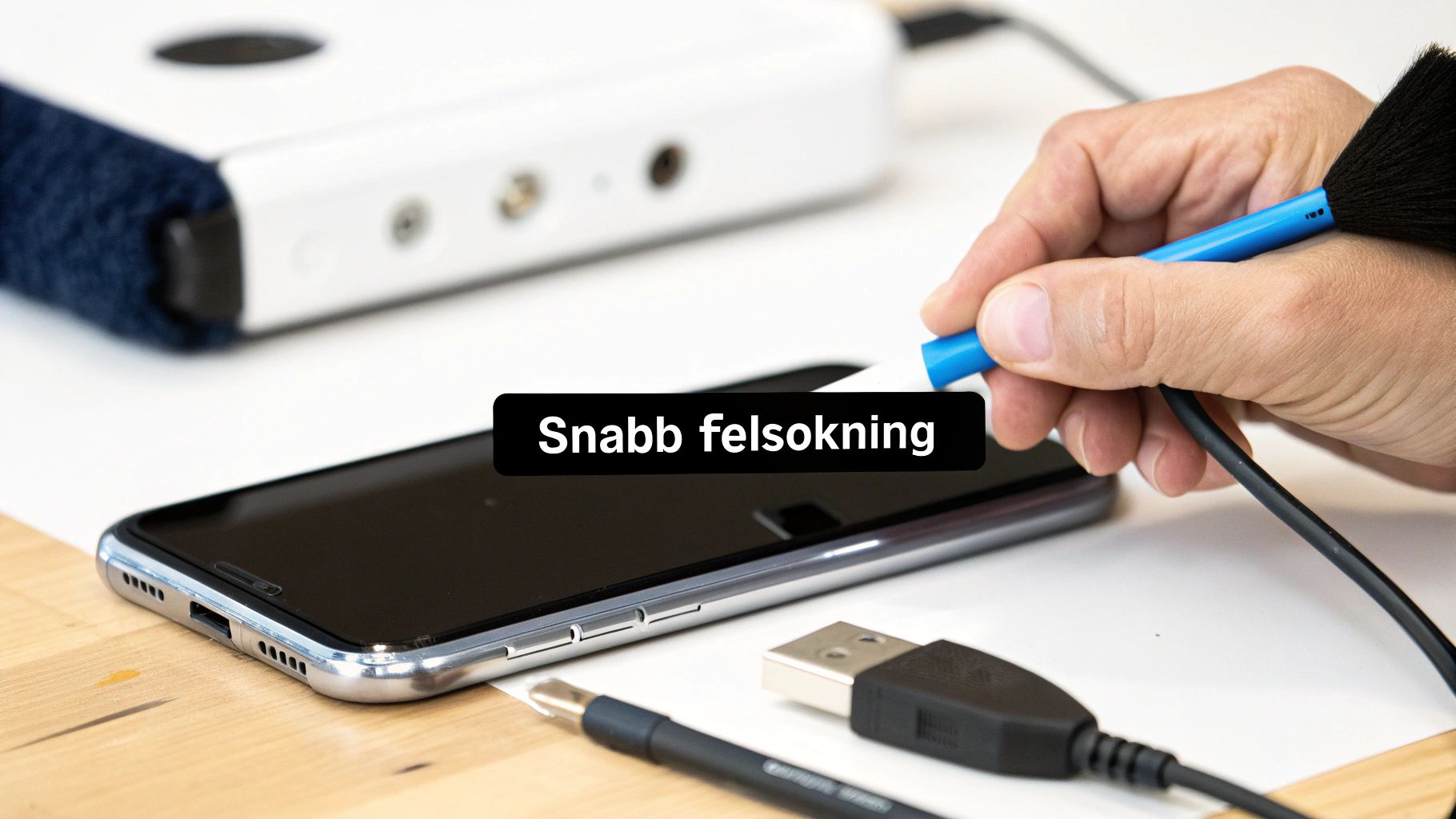
Before you rush off to buy a new charger just because your gadget refuses to take power, stop for a second. Many of the most common problems with a micro USB charger are surprisingly easy to solve yourself, saving you both time and money.
Usually, it comes down to three things: the power source (wall adapter), the cable, or the device itself. By systematically going through each part, you can quickly identify where the fault actually lies.
Step 1: Clean the charging port – the most common culprit
The absolute most common – and easiest – problem to fix is dirt in the charging port. Pocket lint, dust, and other debris have an incredible ability to pack themselves into the bottom of the port and prevent the connector from attaching properly.
Use something non-metallic and thin, like a wooden toothpick or a small brush, to gently pick out the dirt. Then blow it clean with compressed air to remove the final particles. Avoid paperclips and other metal objects, as they can short-circuit and ruin the port for good.
A clean port is the foundation for reliable charging. You wouldn't believe how often a "broken" charger was just a victim of dust blocking the contact.
Step 2: Test each part individually
Did cleaning not help? Then it's time to play detective and isolate the problem. Using a simple process of elimination, you'll quickly see which part is the weak link in the chain.
Do this:
- Try another wall adapter: Use the same cable, but plug it into another adapter that you know works. If charging starts now, it was your old adapter that gave up.
- Change the cable: If that didn't help, take back your original adapter but connect it with a completely different micro USB cable. Does it work now? Then it was the cable that was broken. Cables are consumables, and internal conductors can easily break after being bent back and forth.
- Test another gadget: If neither changing the adapter nor the cable makes a difference, try charging a completely different device with your original charger. If that gadget charges as it should, the fault likely lies in your first device's charging port or battery.
This method helps you quickly see if you need a new cable, a new adapter, or if your device needs service. For drone pilots, reliable connections are everything. If you need a specific replacement connector for your remote control, you can find a MicroUSB connector for DJI remotes with us.
Step 3: Software glitches and slow charging
Sometimes it's actually the software acting up. A simple restart of your camera or drone can resolve temporary bugs blocking the charge.
If charging is extremely slow, it might be due to a weak power source, like an old USB port on a computer. Micro-USB had a standard current of max 500 mA (at 5V), and fast-charging technology was limited. This is one reason why as many as 40% of Swedish Android users bought more powerful third-party chargers between 2015 and 2020. Development is constantly moving forward, and today USB-C is the standard according to new EU regulations.
Frequently asked questions about micro USB chargers
Here we have collected answers to some of the most common questions about micro USB. Our goal is for you to feel completely secure with your charging equipment.
Can I use any charger?
No, it's not a good idea. You must always match the charger's voltage (volts) with what your gadget requires, which for micro USB is almost always 5V. Excessive voltage can, in the worst case, fry the battery for good. The current (amperes), however, can vary, but keep in mind that a charger with too low amperage will charge significantly slower.
Why is my gadget charging so slowly?
Slow charging is almost always due to one of four things: an AC adapter with too low amperage, a worn or poor-quality cable, dirt in the charging port blocking the contact, or using a weak power source like an old USB port on a computer.
The absolute most common culprit is pocket lint and dirt in the device's port. A quick and careful cleaning with a wooden toothpick can often solve the problem in an instant and bring back the charging speed.
Is it dangerous to charge overnight?
Modern gadgets have built-in protections that stop charging once the battery is full. However, the risk is never zero, especially with cheap no-name chargers or a damaged cable that can overheat. For safety's sake, avoid charging on flammable surfaces, such as directly in bed.
Need to upgrade your charging equipment or find the perfect accessories for your action camera or drone? At ActionKing, you'll find the Nordic region's largest selection of quality-tested products. Explore our range and charge smarter at https://actionking.se.


